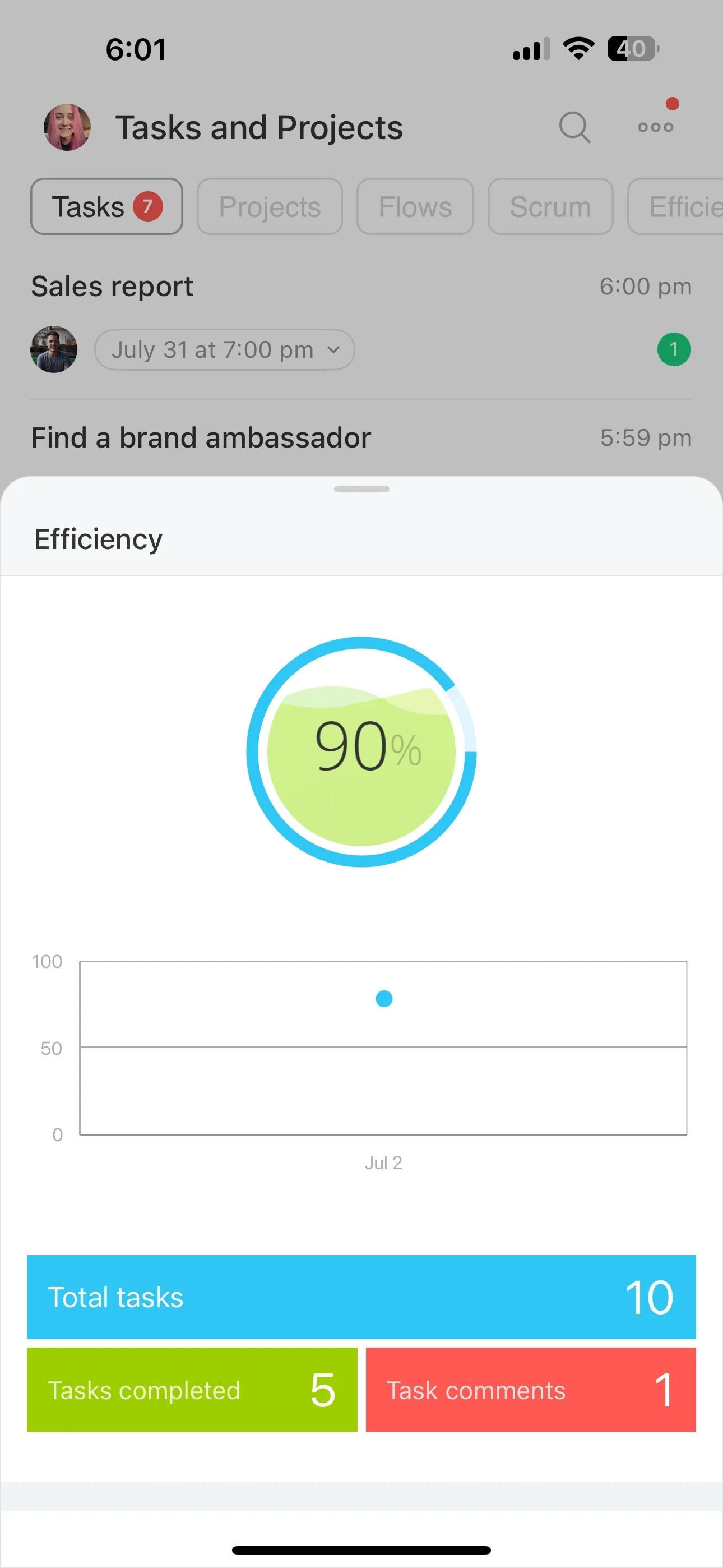
When several contributors work across project tasks, estimates alone do not show where team capacity is going. Recording time against specific activities gives managers a clearer view of the effort behind current work.
Bitrix24 links project time records to tasks so teams can review hours by activity, compare planned work with actual effort, and use the results in workload, reporting, and billing discussions.
Prepare clearer project reports
Time records provide a consistent source for reviewing project effort by task or project. Managers can use the data in progress and resource discussions with stakeholders.
Where billing depends on time worked, documented hours can also support internal reviews and client billing conversations.
Record hours on the right tasks
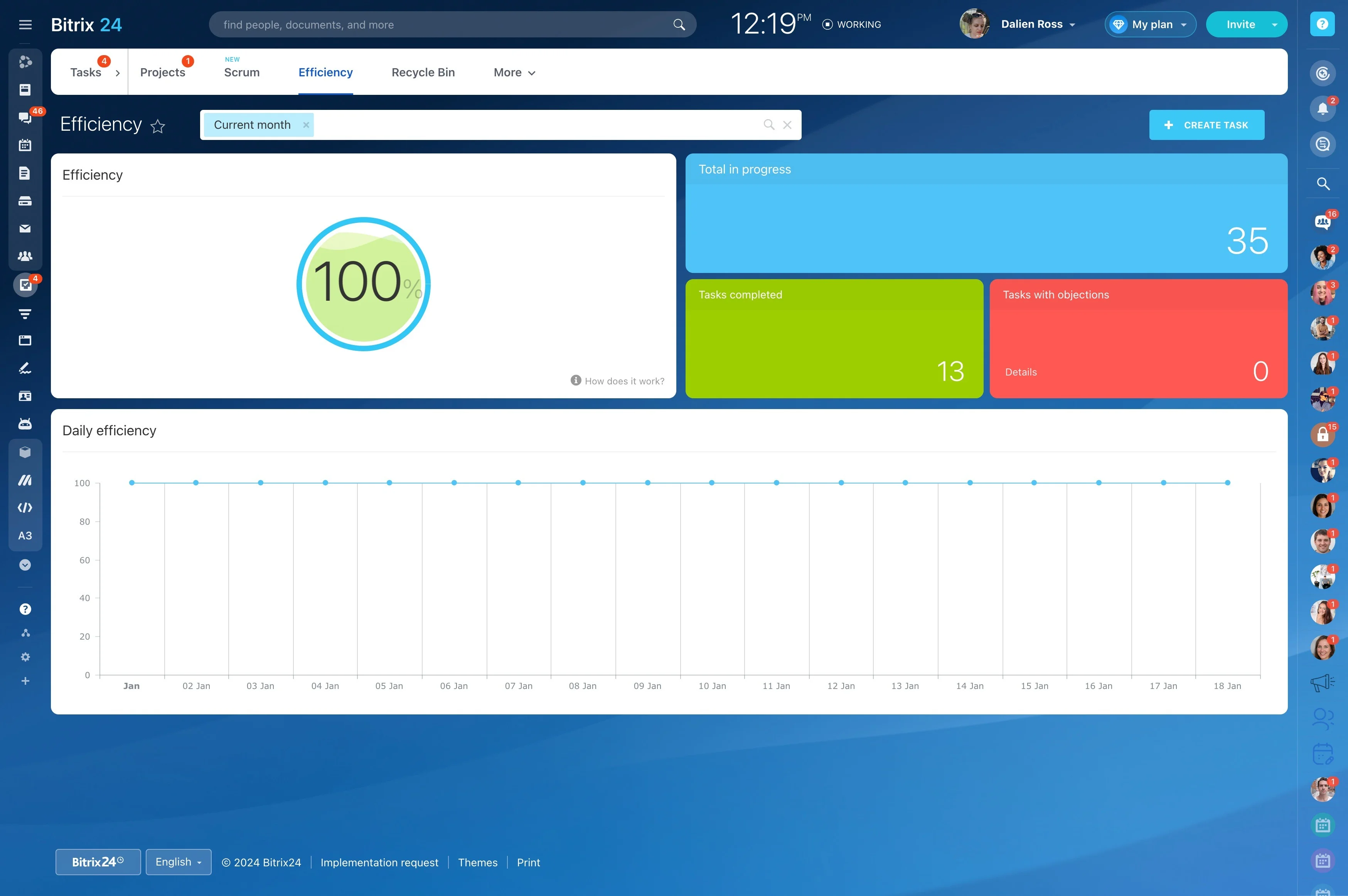
Time data is most useful when it remains connected to the work that produced it. Team members can log hours against specific project tasks, creating a practical record of effort by activity.
- Attach time to the relevant task
- Compare effort across activities
- Use past records when estimating similar work
See how capacity is being used
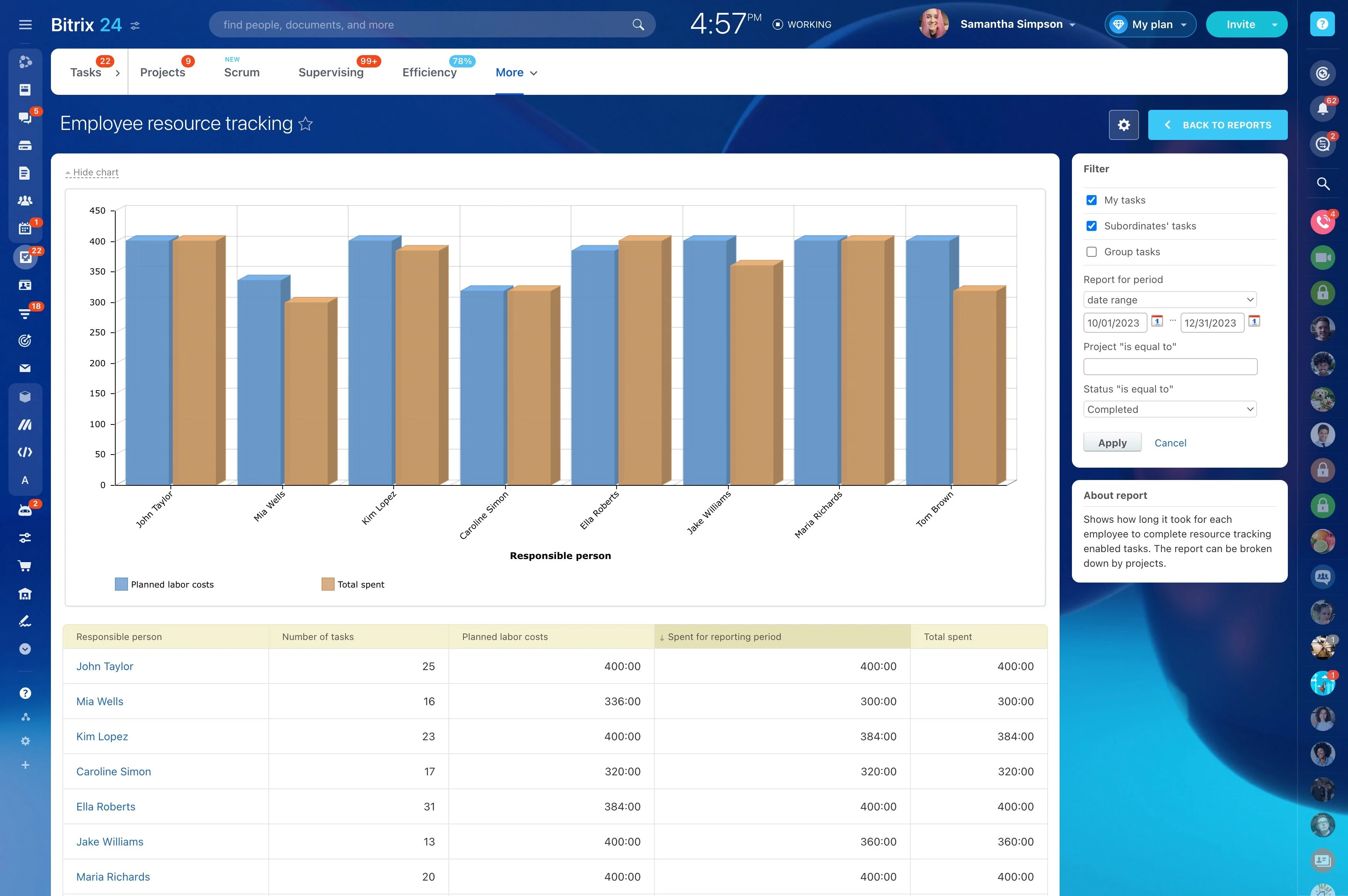
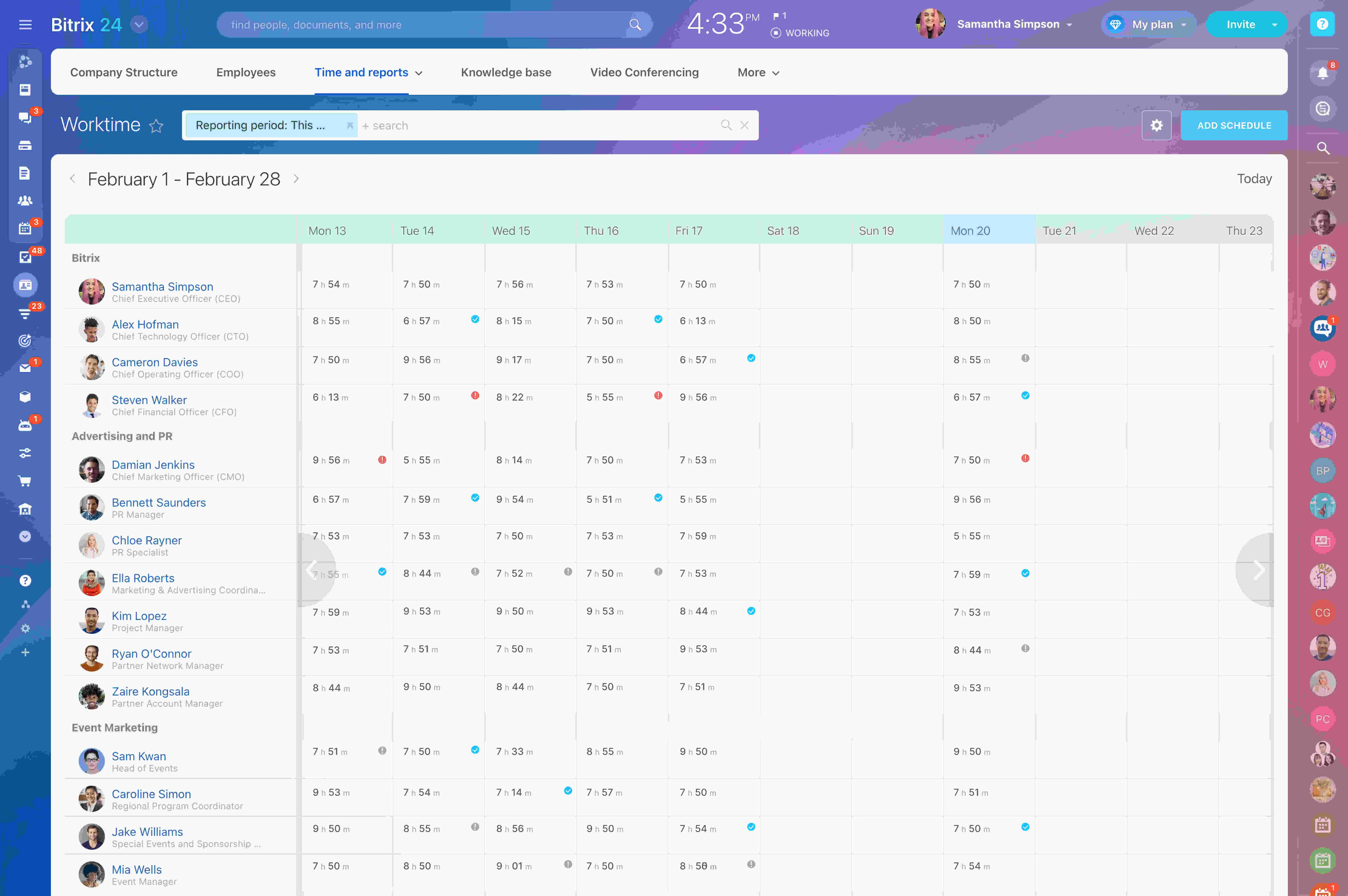
Hours recorded across projects and contributors show where team capacity is going. Managers can identify work that is taking more effort than expected and use that view when reviewing assignments or priorities.
This adds effort data to task-level workload discussions instead of relying only on the number of open tasks.
Check estimates against actual effort
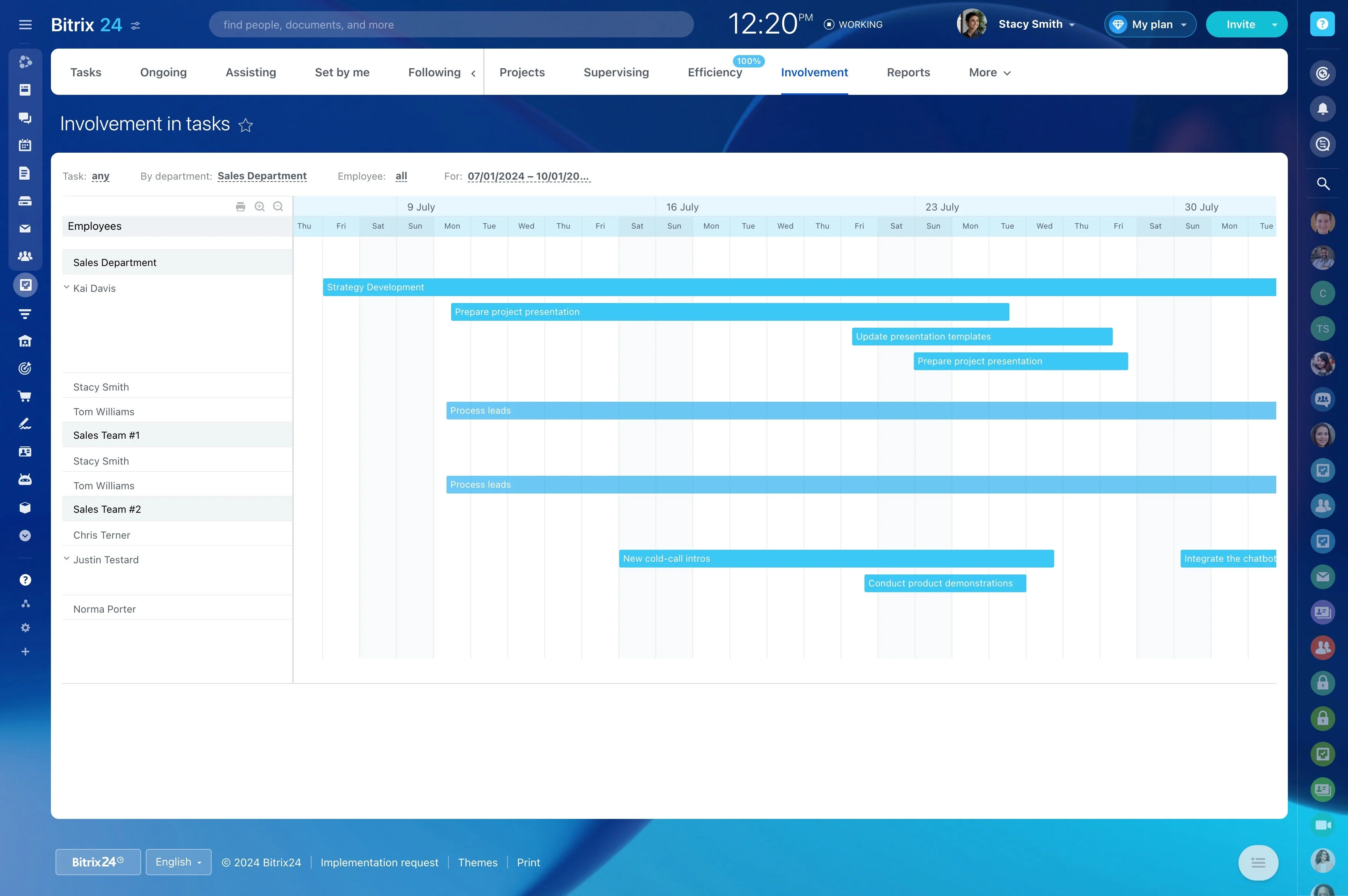
Comparing planned work with recorded hours reveals where estimates need adjustment. It can also highlight activities that regularly require more effort than anticipated.
These observations give project managers a stronger basis for planning upcoming stages and setting more realistic expectations.
Base workload decisions on evidence
For people working across several projects, recorded hours make workload discussions more specific. Managers can review the effort already committed before reassigning tasks or changing priorities.
This helps balance responsibilities while keeping capacity available for high-priority project work.
Set a practical logging routine
Consistent records depend on a shared process. Decide when time should be logged, which project tasks require entries, and how managers will review the information.
- Set a clear expectation for recording work
- Review time during project check-ins
- Apply findings to estimates and workload planning